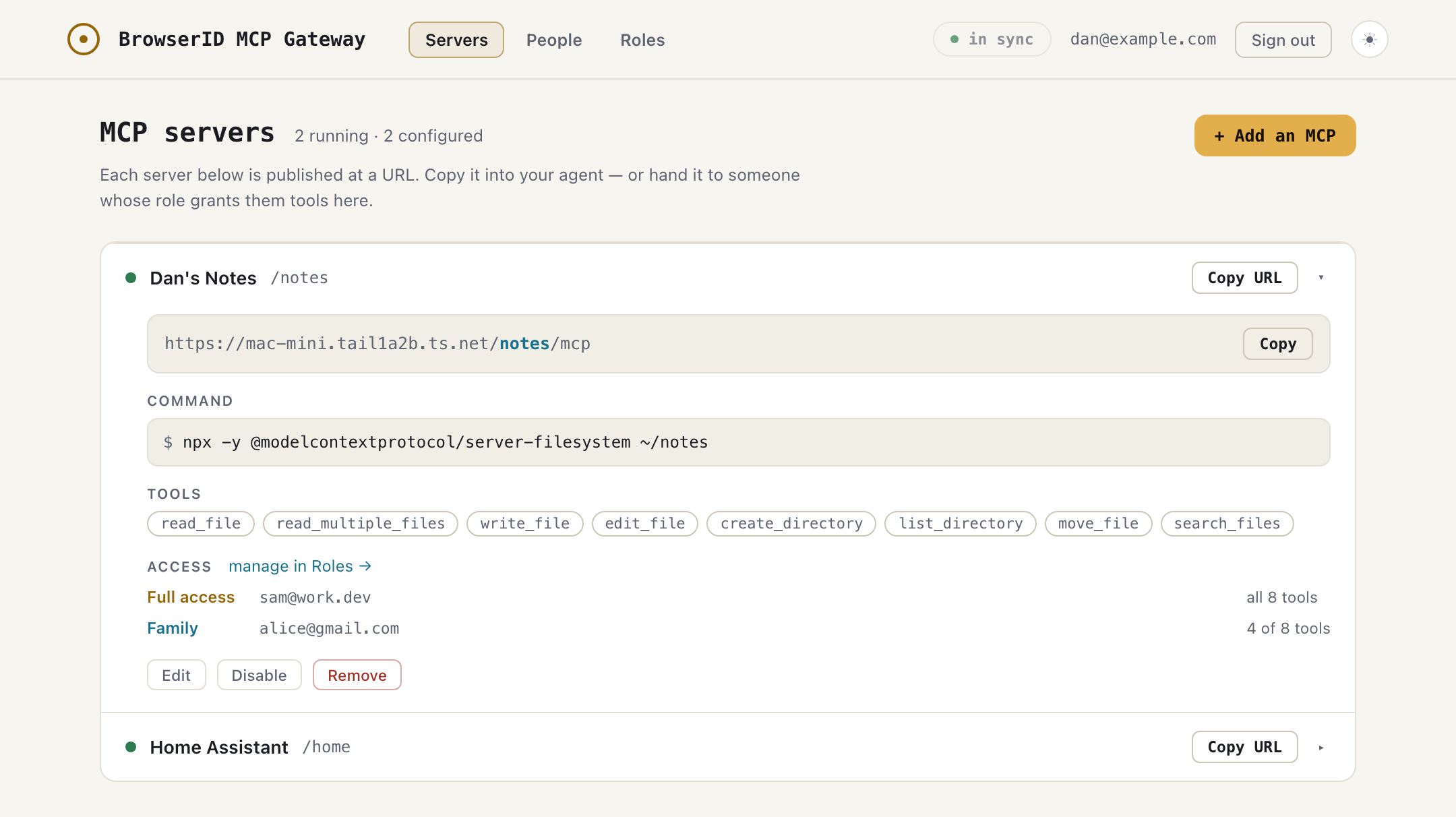
Your notes, your home automation, your database: MCP servers that only work on your machine. One command gives each a real URL your agents can reach from anywhere — and that you can hand to the people you choose, by email, tool by tool.
npx @browserid-ng/gate --admin you@example.com
Exposing a local server usually means a bearer token in somebody's config — unscoped, unattributed, and revocable only by breaking everyone. Gate replaces that with identity.
Whoever connects signs in as themselves. Nothing to paste, nothing to leak, nothing to rotate — access is a fact about a person, not a string.
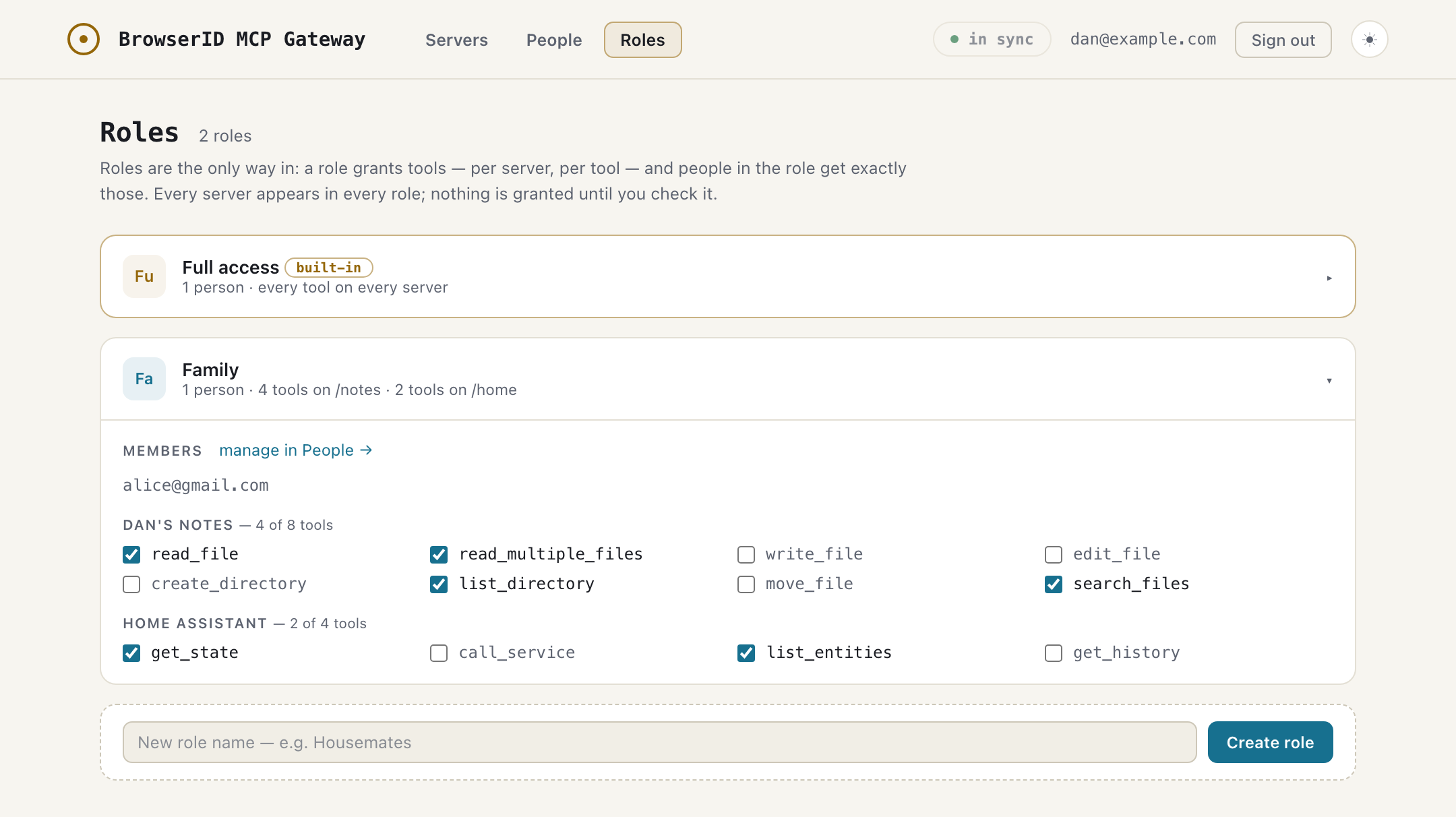
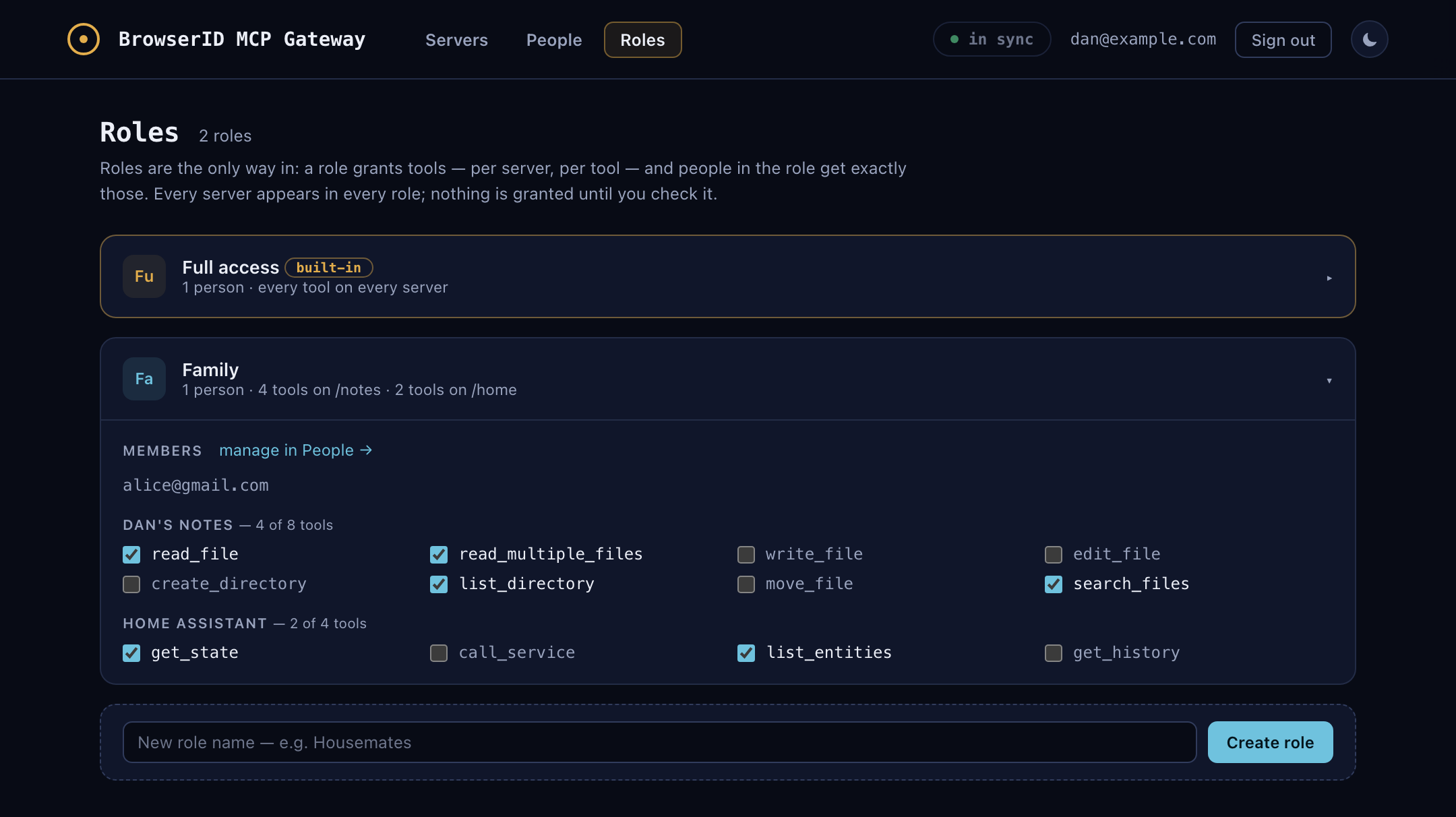
Roles decide exactly which tools each person gets — your partner can read your notes without being able to write them.
Every call is logged with who made it and which tool they used. Cut one person off and their agent's very next call fails; nobody else notices.
Add someone by email, put them in a role, and check the tools that role gets — per server, per tool. They connect from their own claude.ai with their own identity; you see who did what, and you can take it back at any time without touching anyone else.
It provisions its own identity (approve one link, first run only) and prints your console URL. With Tailscale Funnel it's public automatically at https://your-machine.ts.net — without it, gate runs locally and works with any tunnel you point at it.
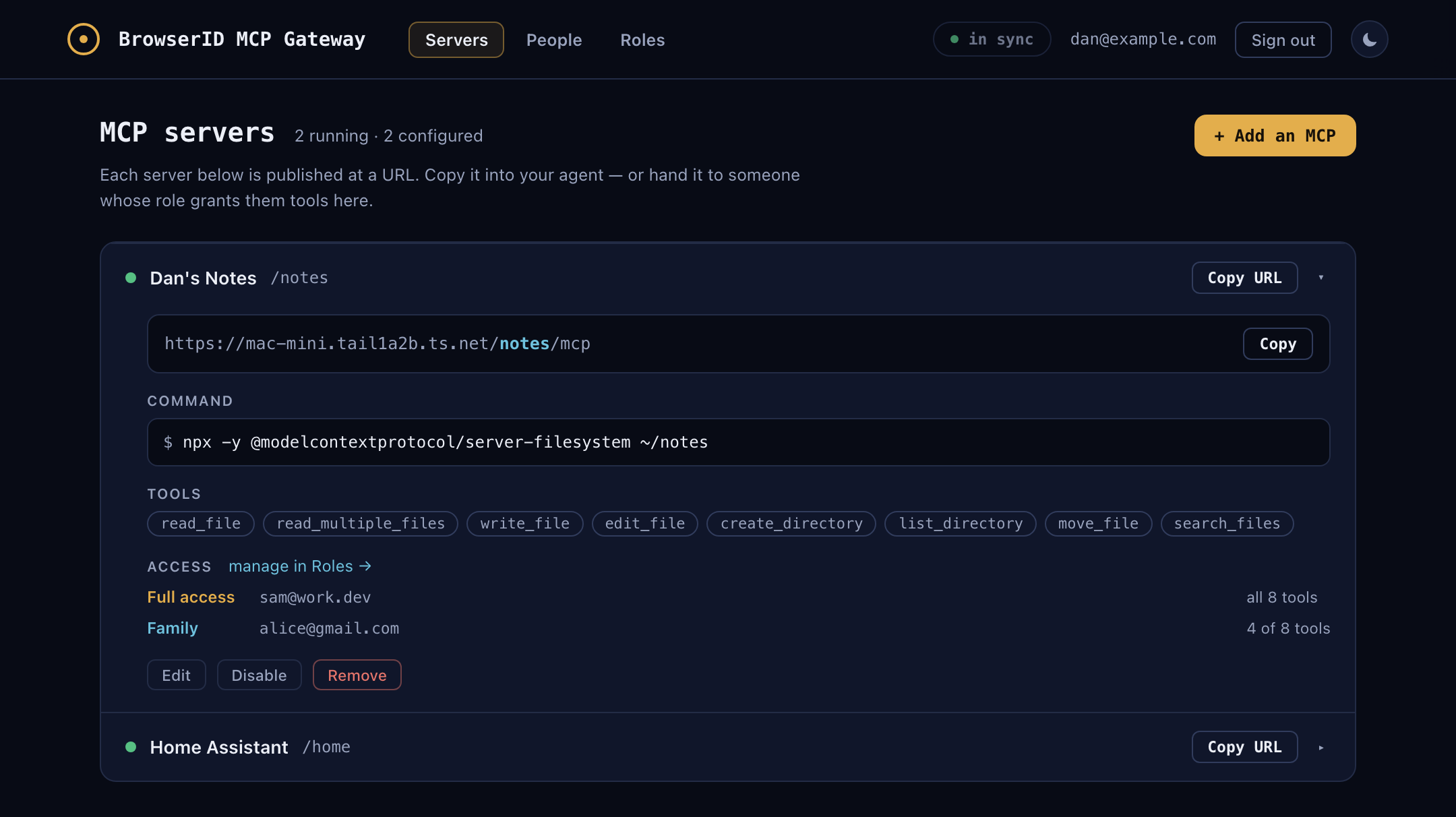
Sign in with BrowserID — only the admin email you launched with gets in. Paste the same command you'd put in an MCP config; gate runs it and publishes it at https://<host>/<path>/mcp.
Add it to claude.ai as a connector and your agent has your tools everywhere you go. Grant a friend a role and the same URL works for them — as themselves, with exactly the tools you checked.
It's a hundred-kilobyte npm package that runs on your own machine, built on the open BrowserID protocol — open source (MPL-2.0), top to bottom.